Auth and tokens
Your own session
teflon auth login opens your browser at the teflon server's login page, which runs the Google SSO flow and hands the CLI back an access token valid for 24 hours.
The token goes into your OS keychain, with a 0600 file under ~/.config/teflon/ as a fallback.
On macOS, the first time a newly upgraded teflon reads a token an older build stored, the Keychain shows a dialog asking to let teflon use com.tubi.teflon, and the command blocks until you answer it.
Click Always Allow; it happens once per machine.
Agents and headless sessions see this as a hang: after a few seconds the CLI prints waiting for macOS Keychain approval on stderr, so a human needs to click the dialog, or, if none is visible, run teflon auth logout then teflon auth login to recreate the entry.
You rarely run it yourself: every command that needs auth checks the stored token first and opens the browser login on its own when the token is missing or expired, then carries on with the command.
teflon auth whoami prints your profile as the server sees it, plus when your local token expires.
It is the one read-only exception: it never opens a browser, and with no live token it prints not logged in (or the stored token expired) and exits with code 3 (other failures exit 1, usage errors exit 2).
An agent should probe with teflon auth whoami first and, on exit 3, hand off to a human to run teflon auth login.
teflon auth logout deletes the stored token for this control plane.
Tokens are stored per control-plane origin, so a localhost login and a production login coexist and can never be replayed against the wrong server.
API tokens for CI and agents
A browser login is no good to a script. For machine access to a deployed app - curl, CI, another service, an agent - mint an API token instead.
The first argument is the app: name, slug, or uuid.
--name is a human label such as ci or nightly-sync.
--expires-in takes a duration like 12h or 30d, defaults to 30d, and is capped at 180d.
The token value is printed exactly once, on stdout, with its id and expiry on stderr.
$
Token id: 96ad6daa-16c5-4cdf-8bf4-c57676c93230
Expires: 2026-09-06T02:29:59Z
Store this token now - it will not be shown again.
eyJ0eXAiOiJKV1QiLCJhbGciOiJFZERTQSIsImtpZCI6IlpoSmw2cTNWUlFTaC11bFN5RTBGT2ExZ0VnM1hwajdwbk5MQW9LSjlIVDQifQ.<claims>.<signature>
stdout is the token and nothing else, whatever -o resolves to (including the toon default when an AI agent is detected), so $(...) captures it cleanly.
The id, expiry, and "store this now" note go to stderr.
The token is a signed JWT whose aud is teflon-proxy and whose app_id claim pins it to the one app; the proxy is what verifies it.
Store it in your CI secret store as you create it. There is no command that shows it again.
A token is scoped to exactly one app: presenting it at any other host is a 403.
Call the app with the token in an Authorization: Bearer header; without one, every path on the app URL is a 401 from the SSO gateway, not a response from your app:
TOKEN=
You may mint a token against an app you do not own, as long as you can reach it: a public app, or a private one whose allow list names you. The app's owner is emailed when you do, and they can see and revoke the token at any time. You can hold at most 50 live tokens across all apps - revoke old ones when the mint is refused.
These tokens are for calling a deployed app. A CI pipeline that needs to deploy does not use one: GitHub Actions authenticates with its own OIDC token instead, covered in Deploying.
Listing and revoking:
$
ID NAME APP MINTED BY CREATED EXPIRES REVOKED
96ad6daa-16c5-4cdf-8bf4-c57676c93230 ci my-app you (you@tubi.tv) 2026-08-07T02:29:59.929476Z 2026-09-06T02:29:59Z active
The listing includes tokens you minted plus any minted against apps you own, which is why the Minted By column is always there.
Revoked tokens are hidden unless you pass --all.
teflon auth token revoke takes a token uuid, or the exact name of one of your active tokens.
An ambiguous name is an error that lists the candidate ids, so a revoke never guesses.
Revocation reaches the proxy within seconds.
In the console
The Tokens page lists your tokens; the Create a token button opens a dedicated page that mints one.
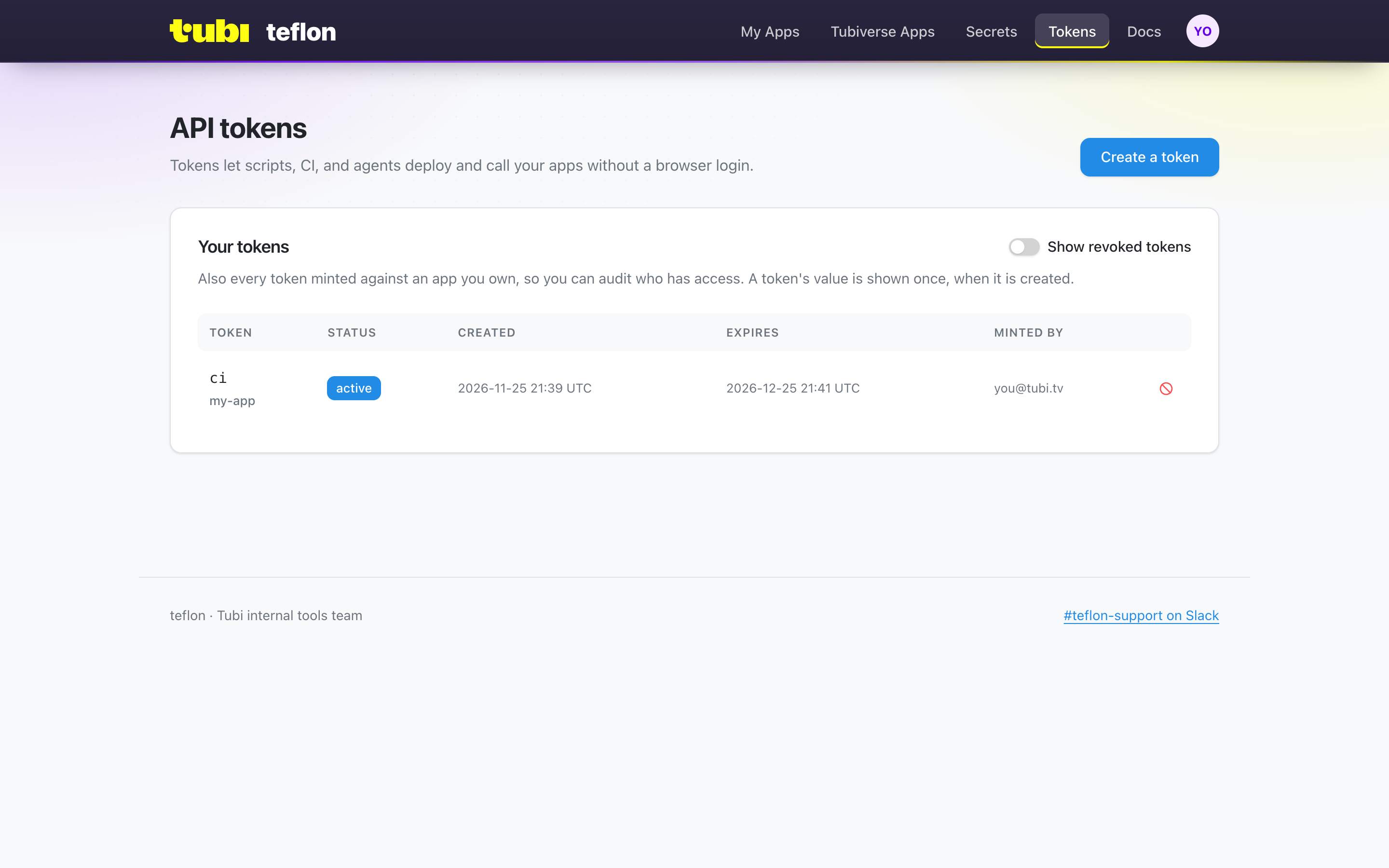
The create form takes the app, a name, and an expiry in days, pre-filled with the CLI's own 30-day default. The new token's value is revealed once, right there, and cannot be retrieved afterwards - copy it before you leave the page. Each row has a revoke button behind a confirmation step; a revoked row keeps its place in the listing with a revoked badge rather than vanishing.
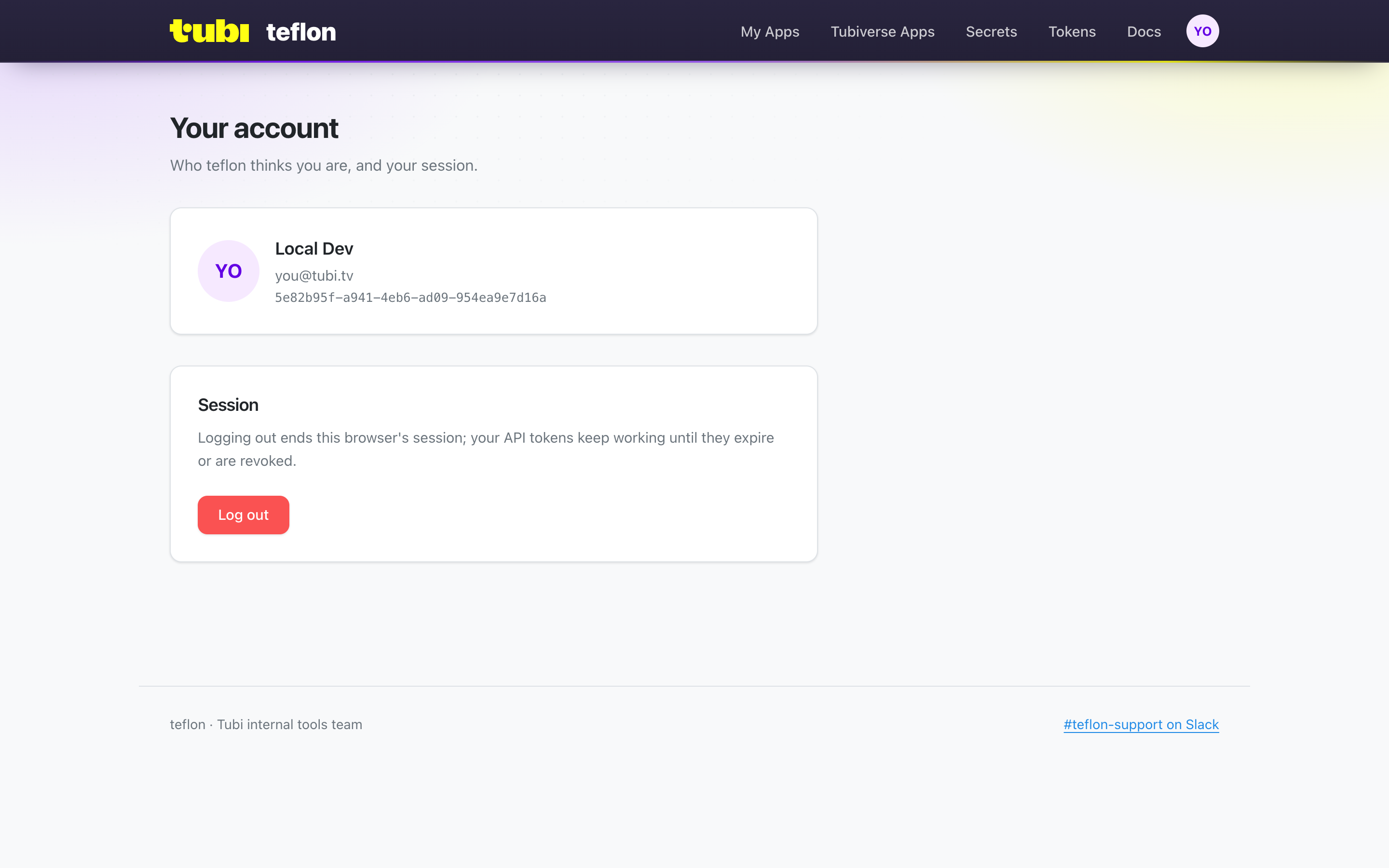
Your account page, reached through Profile in the avatar menu, shows your profile and your session, and holds the log out button. The avatar menu also holds the console's theme picker - System, Light, or Dark.